





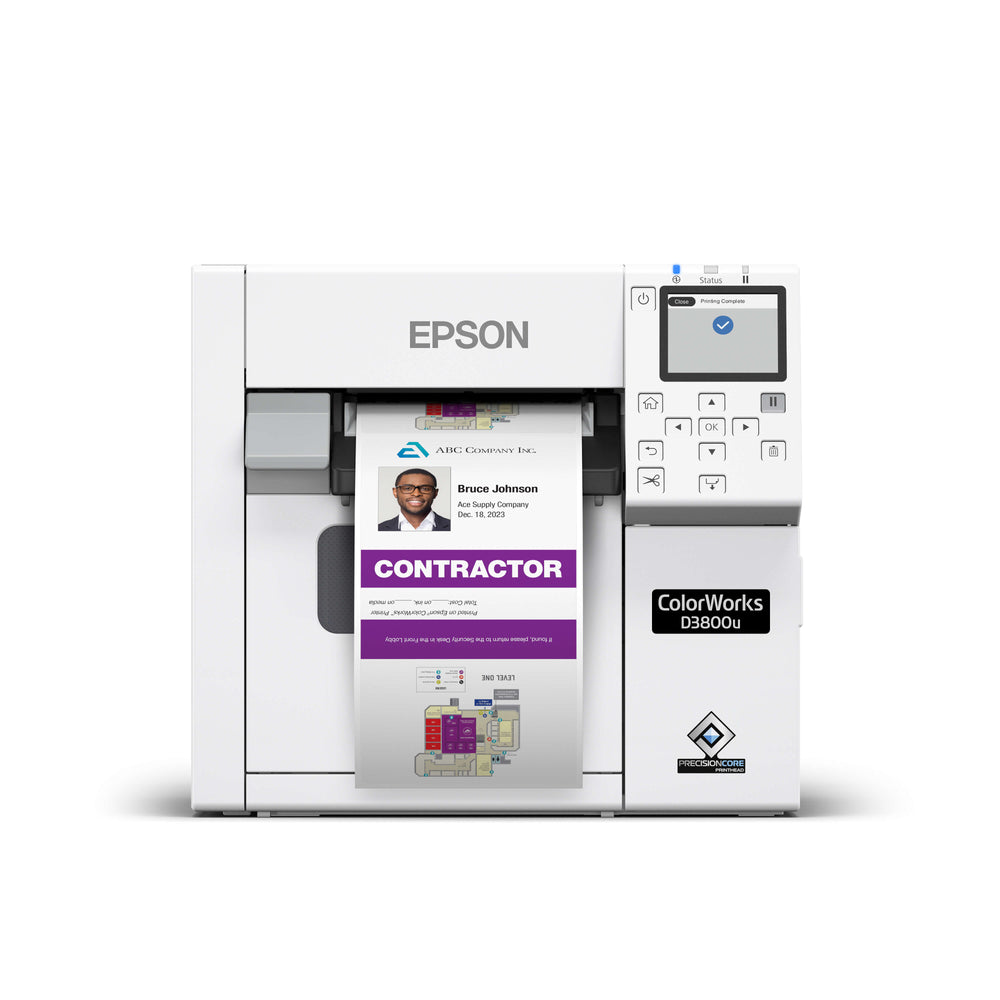
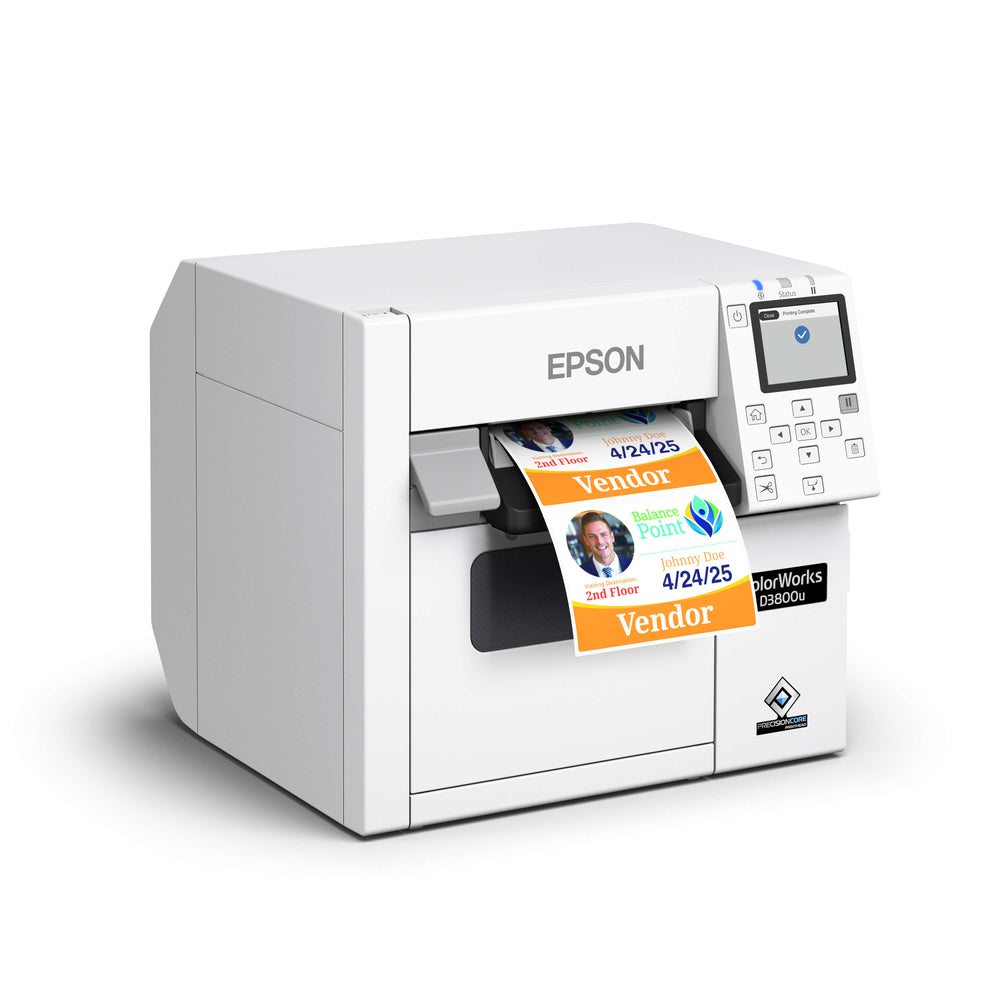
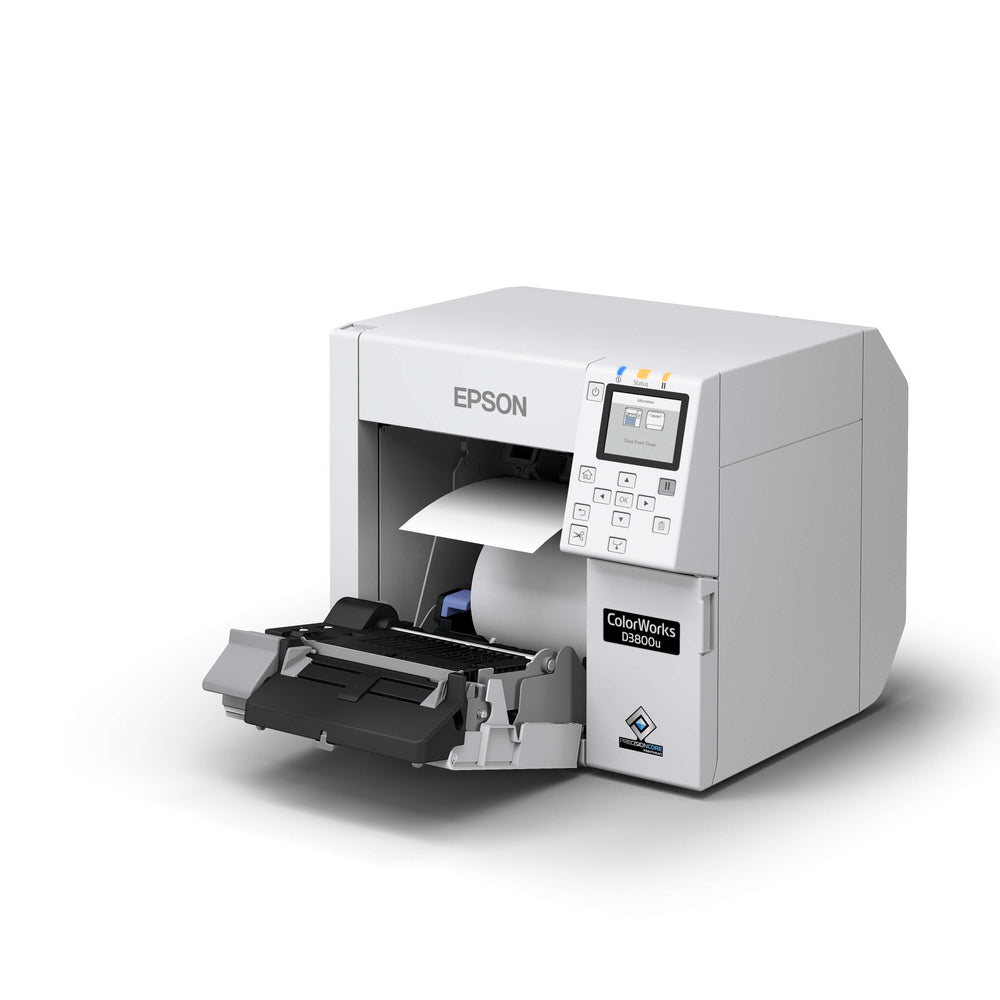
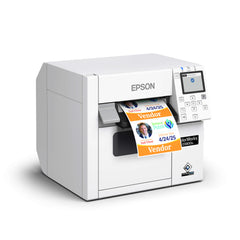
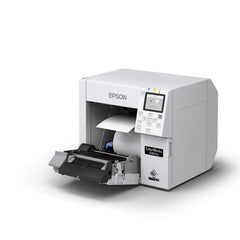
Epson ColorWorks CW-D3800 Colour Label Printer
- $1,950.00 CAD
- $1,950.00 CAD
- Unit price
- per
Performance at a glance
Low-volume labels and badges
100 mm/sec in Max Speed mode, 300 × 600 dpi at 4 in print width. Normal mode is 1.89 in/sec.
4 in label length + 0.125 in gap; 2 hours/day, 20 days/month, 50% productive time. Normal, 600 × 600 dpi; 4 in print width. Continuous batch output; cutting every label can reduce the result. Calculated estimate, not an Epson duty-cycle rating.
See speeds and estimate your monthly output →


Compact colour printing · Dye ink
Epson ColorWorks CW-D3800 label and badge printer
A compact choice for low-volume, on-demand colour labels, visitor badges and custom or seasonal product labels. Dye-based CMYK ink produces vivid colour, with resolution up to 600 x 1200 dpi and print width up to 4.25 inches.
Match the printer to your work
Choose the D3800 for short runs and changing designs. For sustained batch production, compare the pigment-ink C4000, C6000/C6500 families or C8000 with ForeFront. Match the label coating, material and exposure conditions to the dye ink before ordering.
Supplies and setup
The North American CW-D3800 uses SJIC56P dye-ink cartridges and the SJMB4000 maintenance box. It supports USB 2.0 and Gigabit Ethernet, with optional Wi-Fi. A built-in auto cutter handles finished batches.
Is the D3800 intended for high-volume industrial production?
Epson positions it for low-volume, on-demand labels and badges. A calculated output example does not establish a recommended monthly production volume.
Is this the same ink system as the C4000?
The D3800 uses dye ink; the C4000 uses pigment ink. Order ink listed for your exact model and verify the media with ForeFront.
Talk to a ColorWorks specialist · Find matching labels and ink · Epson product information
Included with the Canadian printer
Model C31CK03201 includes the printer, AC adapter, AC cable, USB cable, CMYK setup ink cartridges, maintenance box, roll paper, and safety documentation. Some setup ink is used to initialise the printer. A replacement ink set or spare maintenance box is an optional reorder purchase.
Optional accessories
| Wi-Fi adapter | OT-WL06-321 · C32C891321, sold separately |
|---|---|
| Paper exit tray | OT-PT40 · C32C882101, sold separately |
Choose your replacement supplies
 Four-colour replacement setOne black, cyan, magenta and yellow cartridge.
 Ink and maintenance kitThe four-colour set plus one maintenance box.
 Shared SJMB4000 maintenance boxC33S021601 for CW-D3800 and CW-C4000.
Label roll requirements
The internal roll must be wound with the printable surface outward and have an outside diameter no greater than 101.6 mm (4 in). A 2-inch core description alone does not establish compatibility.
| Die-cut roll liner width | 25.4 to 112 mm |
|---|---|
| Die-cut label width | 21.4 to 108 mm; maximum print width 108 mm |
| Label length in the feed direction | 8 to 406.4 mm for die-cut roll labels |
| Gap sensing | Die-cut gap 2 to 6 mm; suitable liner and sensor setup required |
| Core outside diameter | At least 44.1 mm for plain paper, matte paper and synthetic labels; at least 56.8 mm for other media, including gloss paper and gloss film |
| Die-cut media thickness | 0.159 to 0.240 mm including liner |
Core inside diameter and outside diameter are different measurements. Epson's Canadian specification sheet lists 44 to 57 mm for core inside diameter. Confirm both measurements, liner width, media construction and coating before ordering. Water resistance of a film does not establish water resistance of the printed dye ink.
For continuous rolls, ask ForeFront to confirm your width, material, coating and roll construction for the D3800.
Ready to order. Need help with setup or selecting your label rolls? Our team can help.
Epson Canada product information · Epson technical reference guide
Choose with confidence · CW-D3800
Print speed and production capacity
100 mm/sec in Max Speed mode, 300 × 600 dpi at 4 in print width. Normal mode is 1.89 in/sec.
| Print setting | Resolution | Speed |
|---|---|---|
| Max Speed | 300 × 600 dpi | 3.94 in/sec |
| Speed | 600 × 600 dpi | 2.76 in/sec |
| Normal | 600 × 600 dpi | 1.89 in/sec |
| Quality | 600 × 1200 dpi | 0.71 in/sec |
Maximum resolution and maximum speed are different settings. File processing, roll and ink changes, cleaning, start/stop jobs and finishing affect total throughput.
Monthly output examples
For 4 in label length, a 0.125 in gap, 20 working days and 50% productive time. Normal, 600 × 600 dpi; 4 in print width. Continuous batch output; cutting every label can reduce the result.
| Scheduled printing | Calculated labels/month |
|---|---|
| 2 hours/day | About 33,000 |
| 8 hours/day | About 132,000 |
These examples are calculations using published engine speeds and assumed working time. They are not tested production guarantees or an Epson recommended monthly duty cycle. Epson positions this model for low-volume printing; this calculation does not change that intended use. For sustained production, ask ForeFront to test your artwork and media.
Estimate your monthly output
Adjust the assumptions to match your work. Speed choices use the print width shown above.
50% productive time is an editable planning assumption, not a measured printer efficiency. Continuous batch output; cutting every label can reduce the result. Your actual workflow can produce fewer labels.
Key specifications
| Maximum print width | 4.25 in (108 mm) |
|---|---|
| Maximum resolution | 600 × 1200 dpi |
| Ink system | Dye CMYK cartridges |
| Finishing | Auto cutter |
| Internal roll | 4 in OD; verify core and stock before ordering |
| Media width | Die-cut roll liner: 1.0 to 4.41 in; label width up to 4.25 in |
| Label length | Die-cut roll labels: 0.31 to 16 in |
| Connectivity | USB 2.0, Gigabit Ethernet; optional Wi-Fi |
How many labels can this printer produce per month?
Monthly output depends on label length, print width, print setting and working time. Use the examples or calculator above. Epson's cited specifications do not give a monthly label-count rating.
What can reduce the monthly output?
Higher quality settings, wider layouts on serial inkjet models, short jobs, roll changes, ink maintenance and frequent cuts can reduce output.
Match your printer supplies
Genuine SJIC56P dye cartridges and the SJMB4000 maintenance box for the North American CW-D3800.

Epson SJMB4000 Maintenance Box for CW-C4000 and CW-D3800
C33S021601
$54.00 CAD
Epson CW-D3800 CMYK Ink Set + Maintenance Box Kit - SJIC56P
D3800INKKIT
$334.00 CAD
Epson CW-D3800 CMYK Ink Set - SJIC56P - 4 Cartridges
D3800INKSET
$280.00 CAD
Epson CW-D3800 Yellow Ink Cartridge, SJIC56P(Y)
C13T58H420
$70.00 CAD
Epson CW-D3800 Magenta Ink Cartridge, SJIC56P(M)
C13T58H320
$70.00 CAD
Epson CW-D3800 Cyan Ink Cartridge, SJIC56P(C)
C13T58H220
$70.00 CAD
Epson CW-D3800 Black Ink Cartridge, SJIC56P(BK)
C13T58H120
$70.00 CAD


